How to make ChordViz transparent over your video
Turn on transparency mode and lay ChordViz over your webcam, screen capture or DAW — with no green screen and no compositing in post.
ChordViz can make its own background invisible, so it sits on top of your video with no green screen. Two ways to do it: record a file for editing, or send it live to OBS.
Needs macOS 12.3+ or Windows 10 (1903)+. Screenshots are from macOS; the settings are in the same place on Windows.
Record a file for editing
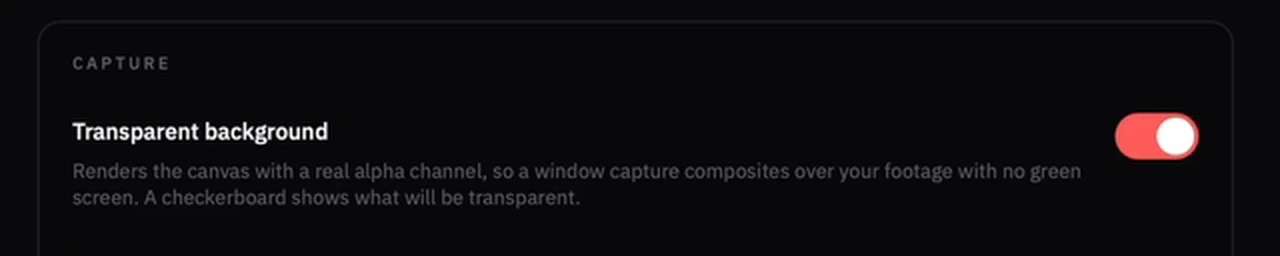
1. Turn on the transparent background
Open Settings → Interface, scroll to Capture, and switch on Transparent background.
2. Turn on transparent video
Go to Settings → Video & streaming and switch on Transparent video (alpha). This makes the recorded video carry an alpha channel.
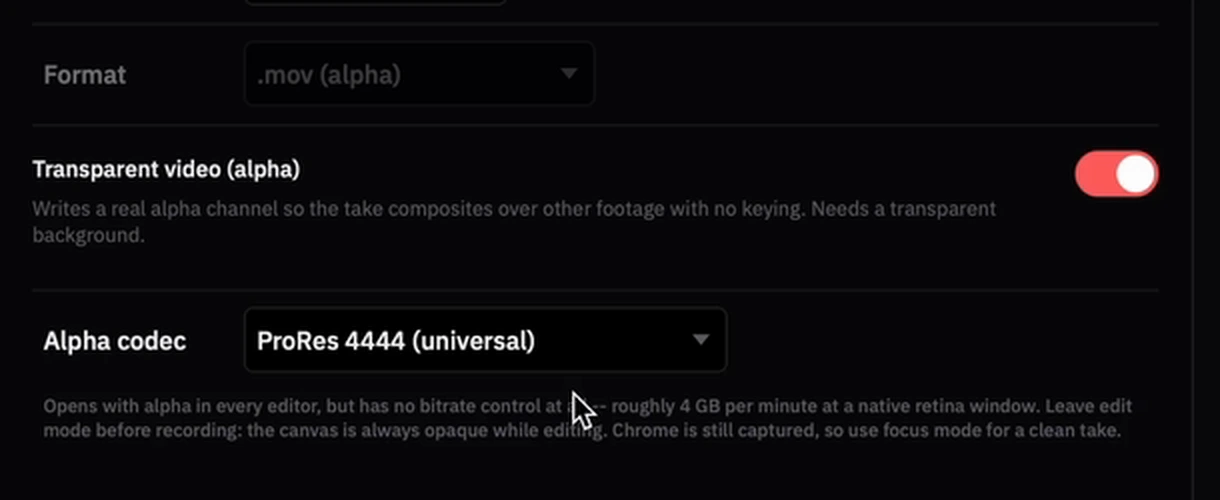
3. Click Focus mode, leave edit mode, then record
Press Record, play, then stop. Your file lands in the Save to folder — click Reveal to find it.
4. Put the file above your camera clip

Done — it lays over your footage on its own.
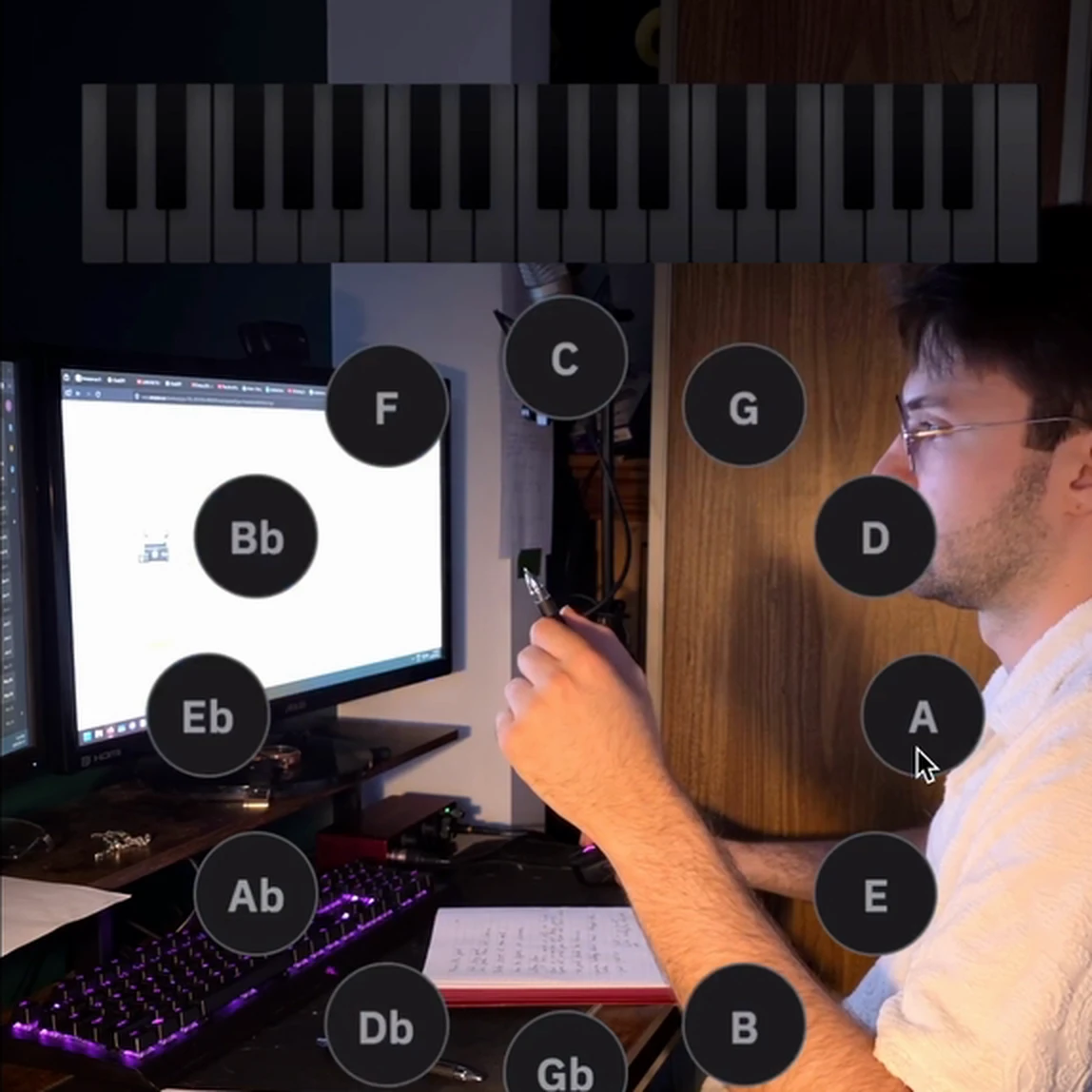
Or stream it live to OBS
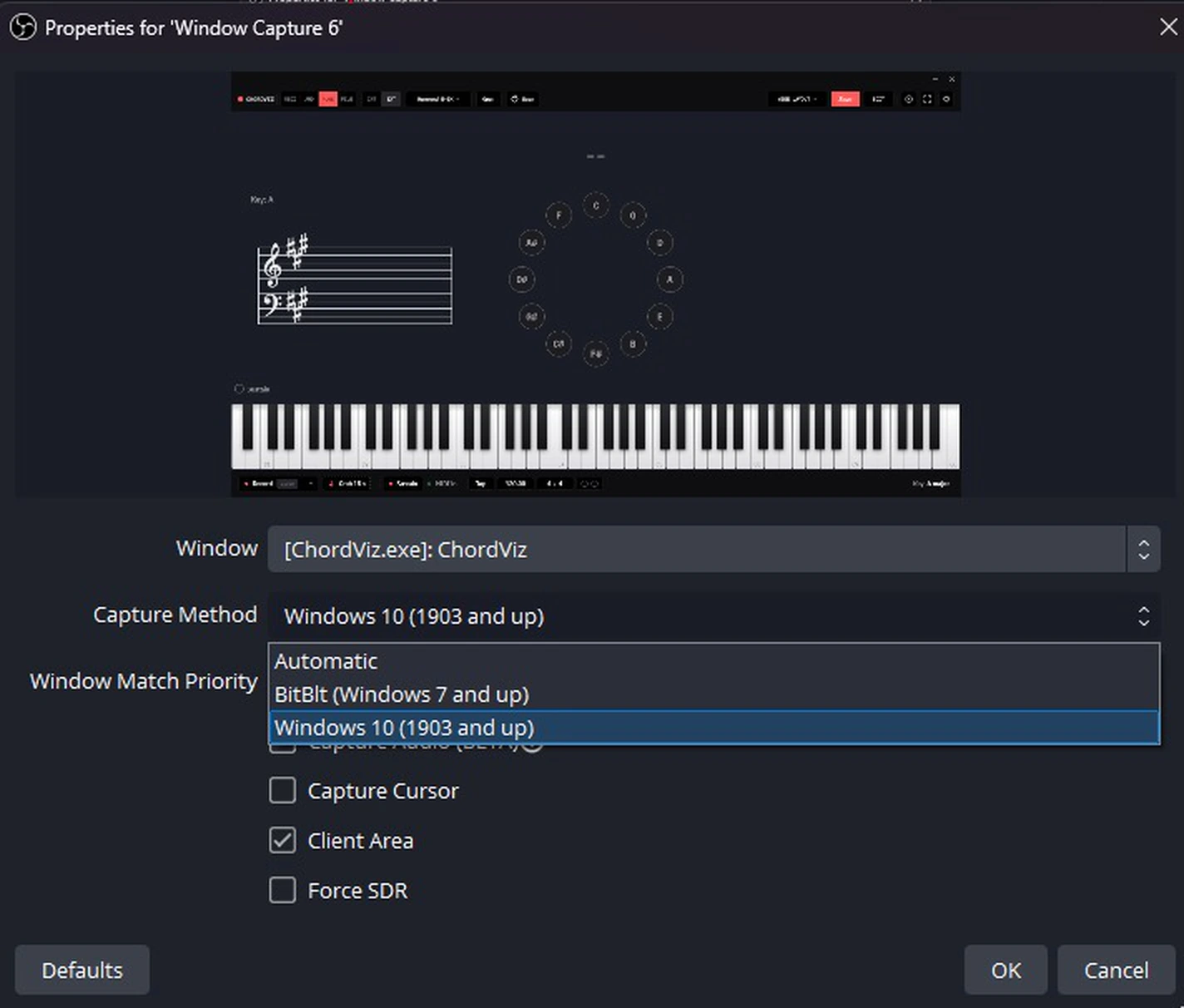
Works on both platforms: Syphon on macOS, a Window Capture on Windows (see the note below).
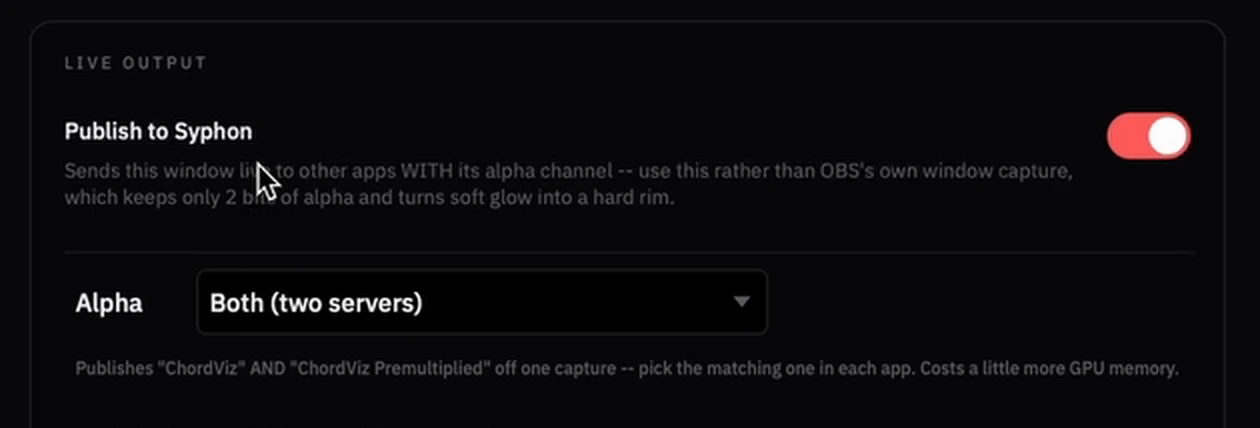
1. Turn on Publish to Syphon
In Settings → Video & streaming, scroll to Live output.
2. In OBS, add a Syphon Client
Sources → + → Syphon Client.
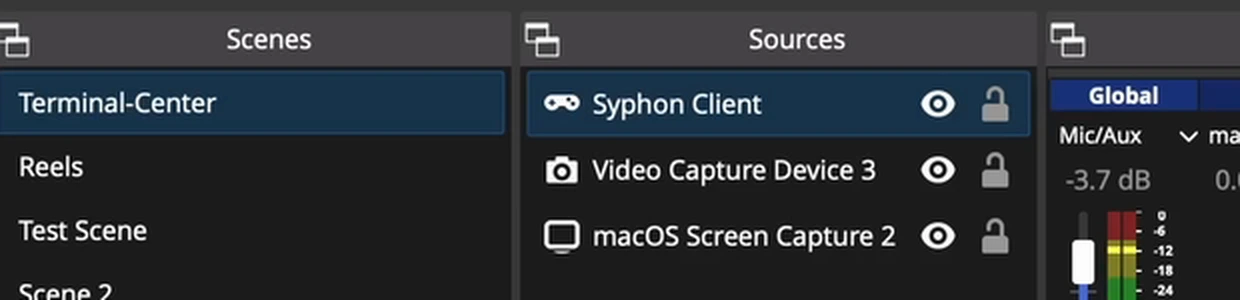
3. Choose ChordViz, then tick Allow Transparency

If it's not working
- Background is still solid — you're in edit mode. Leave it.
- The toolbar is in your recording — click Focus mode before recording.
- Your editor shows a black box — try the other Alpha codec.
- Files are huge — drop to 1080p and 30 fps, or try the smaller Alpha codec.
- Edges look hard in OBS — on macOS, use the Syphon Client source rather than a window capture. On Windows, check Capture Method is Windows 10 (1903 and up).
See it with your own playing.
Free for 30 days · Then $49 USD one time · Lifetime ChordViz updates